HVAC Website A/B Testing: 5 Small Changes That Doubled Conversions
These 5 HVAC website changes each take under a day and produce measurable conversion lifts. No redesign needed — just data-driven tweaks that turn more visitors into callers.
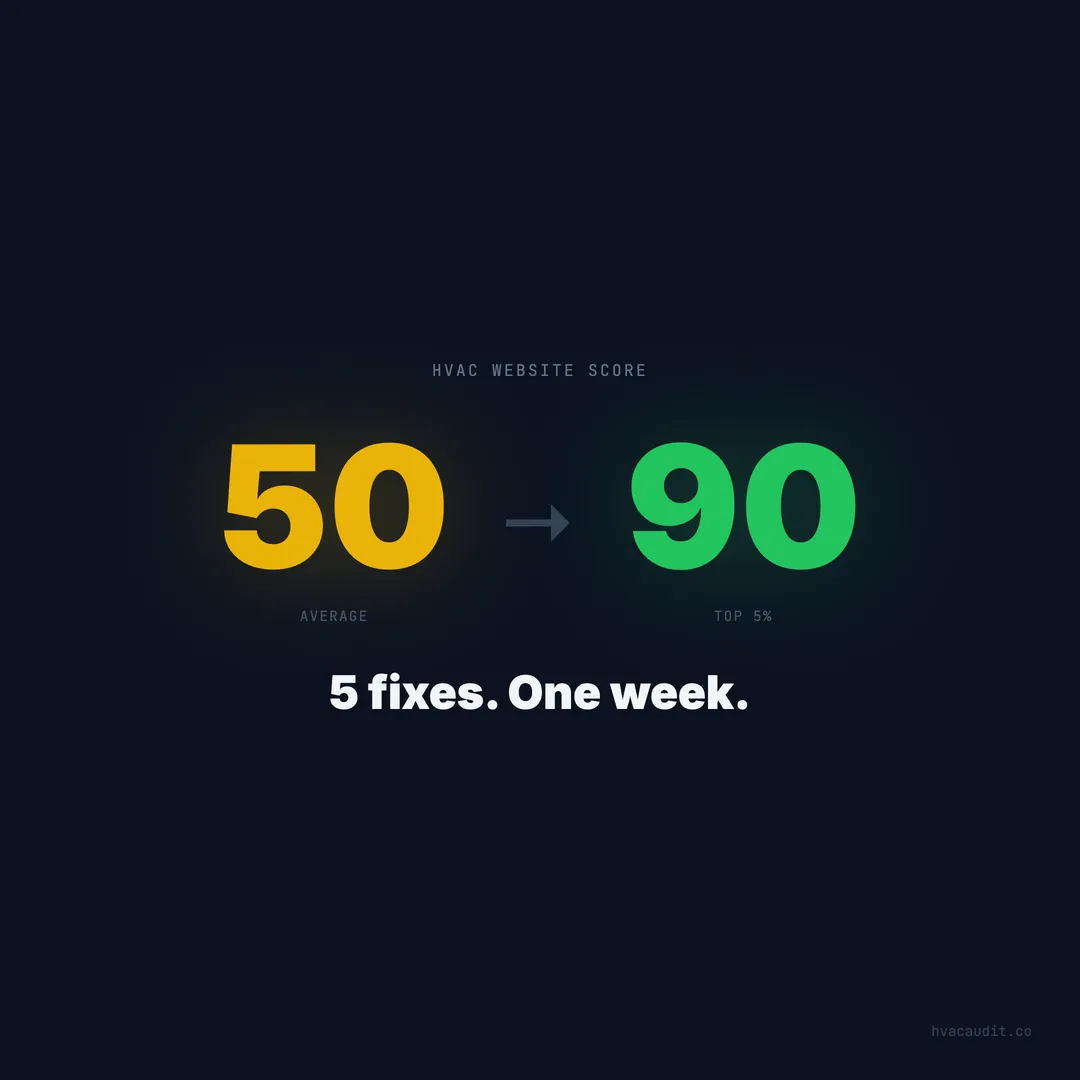
You don’t need a new website. You need 5 small changes to the one you have. Each takes less than a day. Each has measurable impact. Together, they can double your conversion rate — turning the same traffic into twice as many phone calls.
The average HVAC website converts 2–3% of visitors. Top performers hit 10–15%. The gap isn’t design quality or budget. It’s specific, testable elements that determine whether a visitor calls or leaves. Here are the five changes that produce the biggest lift, based on what we see across 147+ HVAC website audits.
Change 1: Replace your headline with the customer’s problem
Before: “Welcome to Johnson HVAC — Quality Comfort Solutions Since 1987” After: “AC Broken? We’ll Be There in 60 Minutes. $89 Diagnostic.”
Expected lift: 25–40% more conversions.
The before headline tells visitors about you. The after headline tells visitors you can solve their problem. The homeowner searching “AC repair near me” doesn’t need to know your founding year — they need to know you can come today and how much it costs.
This is the highest-impact change on this list because it affects every visitor. The headline is the first thing they read. If it answers their question, they stay. If it’s about your company, they leave within 3 seconds.
How to test it: Change your hero headline. Measure calls and form submissions for 2 weeks before and 2 weeks after. If you use Google Analytics, set up conversion events for phone clicks and form submissions.
Time to implement: 1 hour. Change the text, maybe swap the background image for something simpler.
Change 2: Add a sticky tap-to-call button on mobile
Before: Phone number in the header, 12px font, not clickable After: Fixed button at the bottom of the screen, visible on every page, every scroll position
Expected lift: 30–50% more mobile calls.
65% of HVAC website traffic is mobile. On mobile, the phone number in your header is either tiny, obscured by the navigation menu, or scrolled out of view. A sticky call button solves all three problems.
The button should be:
- Fixed to the bottom of the viewport
- High contrast (green or your brand color on dark background)
- Large enough to tap easily (minimum 48px tall)
- Text: “Call Now” or “Tap to Call” with your phone number
- A
tel:link that opens the phone dialer on tap
This is the single most effective mobile conversion element for HVAC websites. The visitor never loses access to the phone number regardless of where they are on the page.
How to test it: Add the button, measure call volume for 2 weeks against the previous 2 weeks. Use call tracking to separate mobile calls from desktop.
Time to implement: 2 hours. Simple CSS fixed positioning and an <a href="tel:..."> link.
Change 3: Embed 5 Google reviews on the homepage
Before: “See Our Reviews on Google” link (sends visitors away from your site) After: 5 reviews embedded directly on the homepage with star ratings and full text
Expected lift: 15–25% more conversions.
93% of homeowners check reviews before calling an HVAC company. When reviews are on your site, the trust-building happens on your site. When you link to Google, 30–40% of visitors don’t come back — they see your competitor in the sidebar and click through.
The best review placement is immediately below the hero section. The visitor sees your headline, your CTA, and then 5 five-star reviews from homeowners in their area. The decision to call is reinforced by social proof before they’ve scrolled past the second screen.
Use a review widget (Birdeye, Grade.us, Elfsight) that pulls from Google automatically and updates when new reviews are posted. Or manually embed your best 5 reviews with the reviewer’s first name, star rating, and full text.
How to test it: Add reviews, measure conversion rate over 4 weeks. Watch for changes in bounce rate (should decrease) and time on site (should increase).
Time to implement: 1–3 hours depending on the widget.
Change 4: Reduce your contact form to 3 fields
Before: Name, email, phone, address, service type, preferred date, message (7 fields) After: Name, phone, “How can we help?” (3 fields)
Expected lift: 40–60% more form submissions.
Form analytics consistently show that completion rates drop 10–15% with each additional field. A 7-field form completes at under 15%. A 3-field form completes at 40%+. That’s nearly 3x more leads from the same number of visitors who start the form.
You don’t need the visitor’s email, address, or preferred date to get a lead. You need their name, phone number, and a brief description of the problem. Your dispatcher collects the rest on the follow-up call.
The form should also appear above the fold on mobile — not at the bottom of the page where only 5–10% of visitors scroll. Put a compact 3-field form in the hero section or immediately below it.
How to test it: Simplify the form. Track form submissions for 2 weeks. The lift is usually immediate.
Time to implement: 30 minutes. Remove fields, adjust the layout.
Change 5: Add pricing to your service pages
Before: “Contact us for a free quote” After: “$89 diagnostic fee. Most repairs $250–$600. Free estimates on installations.”
Expected lift: 20–35% more conversions on service pages.
70% of homeowners skip contractors who hide pricing. The visitor who sees “call for a quote” interprets it as “the price is high enough that they don’t want to show it.” The visitor who sees “$89 diagnostic” thinks “that’s reasonable, I’ll call.”
You don’t need to list exact prices for every repair. Ranges work. Starting prices work. The diagnostic fee alone is enough. What matters is that the visitor gets a sense of cost without having to call — because many won’t call just to ask about price.
Service pages with pricing information have measurably higher conversion rates than identical pages without pricing. The price doesn’t scare visitors away — the absence of price does.
How to test it: Add pricing ranges or starting prices to your top 3 service pages. Measure page-level conversion rates (calls + forms from that specific page) over 4 weeks.
Time to implement: 1 hour. Add pricing text to existing service pages.
How to measure the impact
If you’re not tracking conversions, you won’t know if these changes work. Before making any changes:
- Install call tracking — CallRail or similar. This tells you exactly how many calls come from your website vs. other sources.
- Set up GA4 conversion events — Track phone number clicks and form submissions.
- Record a 2-week baseline — How many calls and forms per week right now?
- Make one change at a time — Give each change 2 weeks before making the next one. If you change everything at once, you won’t know what worked.
After all 5 changes, compare your conversion rate to the baseline. A site converting at 2% should be at 4–6% after implementing all five. On 500 monthly visitors, that’s 10–20 additional leads per month.
The math on doing nothing
Every month you don’t make these changes, you lose leads. On a site getting 500 visitors per month:
- At 2% conversion: 10 leads/month
- At 5% conversion (after changes): 25 leads/month
- Difference: 15 leads/month
- At $500 average service call: $7,500/month in missed revenue
Over a year, that’s $90,000 in revenue sitting on the table because your website has a vague headline, a buried phone number, no reviews, a 7-field form, and no pricing.
These fixes cost nothing but time. Total implementation: 2 days. If your HVAC website looks great but isn’t converting, start here.
Keep reading
Want to know your score?
Drop your URL — full report in 48 hours.
We're on it.
Report in your inbox within 48 hours.