City Landing Pages for HVAC: How to Rank in Every Area You Serve
"Near me" searches are up 400% and 76% of those searchers visit a business within 24 hours. Here's how HVAC contractors build city pages that actually rank.
A homeowner in Plano, Texas types “AC repair near me” into her phone at 2 PM on a Saturday in July. Her house is 89 degrees and climbing. She sees three results in the Google Map Pack — all companies based in Dallas, none with a dedicated Plano page on their website. She picks the one with the most reviews, but she almost didn’t click because the service area said “Dallas metro” and she wasn’t sure they’d come to her zip code.
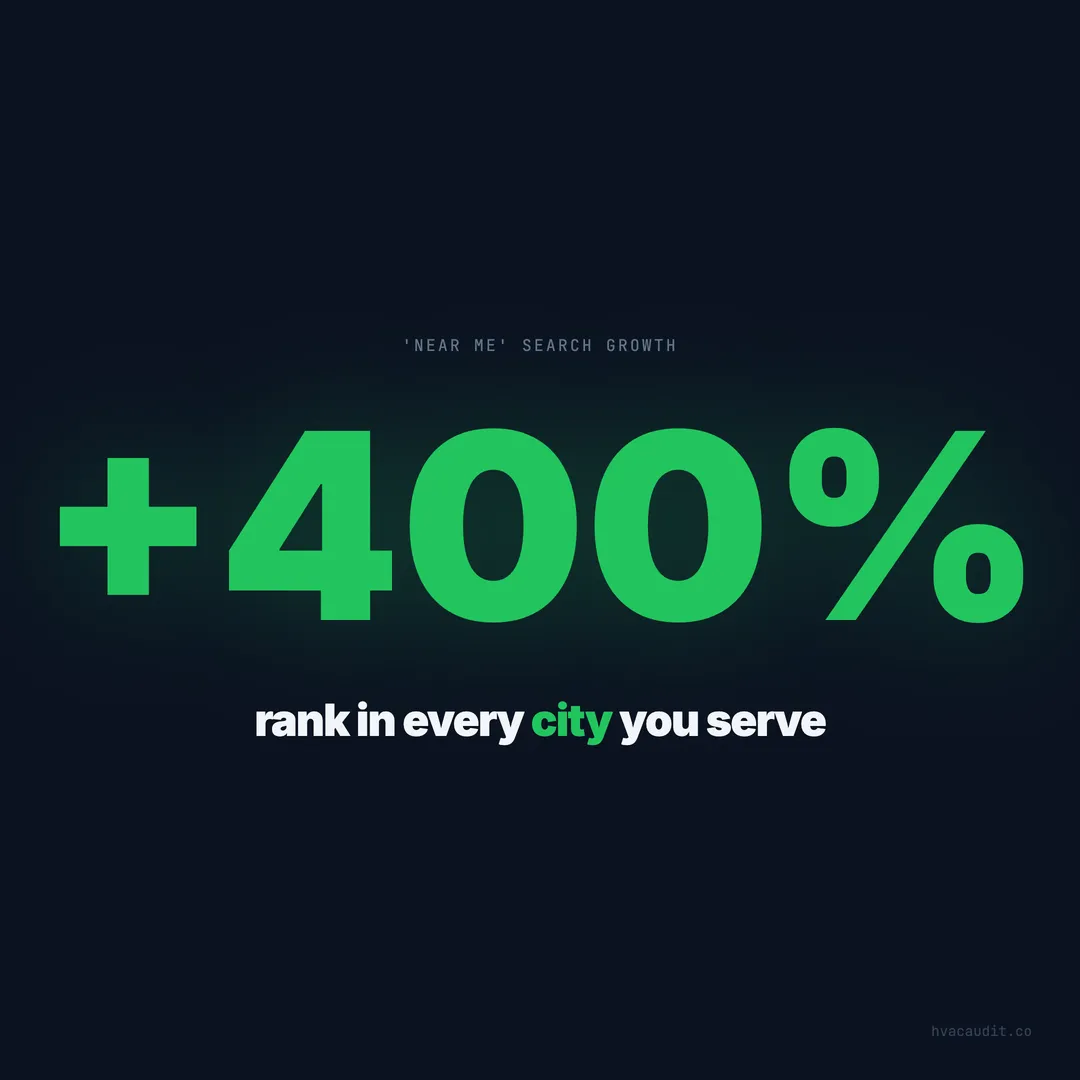
“Near me” searches have increased over 400% in the last five years. And 76% of people who search for something nearby visit a business within 24 hours. Those two numbers should dictate your entire local content strategy. If you serve six cities but only have one generic “Service Areas” page listing them in a bullet list, you’re invisible in five of those markets.
When we audited 147 HVAC websites, the average score was 34 out of 100. One of the most common failures was local content — or rather, the total absence of it. 82% of the sites we reviewed had zero dedicated city pages. They had one service area page and hoped Google would figure out the rest.
Google doesn’t figure out the rest. Google rewards specificity.
A single “Areas We Serve” page costs you every secondary market
Most HVAC contractors list their service cities in one of two places: a bullet list on a page called “Service Areas,” or a sentence in the footer that says “Proudly serving Dallas, Plano, Frisco, McKinney, and surrounding areas.”
Neither of these ranks for anything. Google sees a list of city names with no supporting content and treats it as thin filler. The contractor who actually built a dedicated page for “AC Repair in Plano” — with neighborhood names, local housing stock references, climate specifics, and real pricing — takes the search result instead.
The data is clear: HVAC companies with 15+ dedicated city pages generate 3.2x more organic traffic than those with a single service area page. The investment is entirely front-loaded. Once the pages exist, they compound traffic month after month.
The companies skipping this step aren’t saving time. They’re losing leads every single day in every city they refuse to build a page for.
What Google actually wants on a city page
A city landing page isn’t a template where you swap “Dallas” for “Plano” and change nothing else. Google’s helpful content update specifically penalizes that approach. Sites using find-and-replace city page templates saw an average 34% organic traffic drop after the March 2024 core update.
A genuine city page includes five elements that Google (and homeowners) reward:
Local housing context. Plano homes built in the 1980s-2000s predominantly use central AC systems that are now 20-40+ years old. McKinney’s newer construction (2010s+) tends to have high-efficiency split systems. These details signal authentic local knowledge.
Neighborhood specificity. Mentioning Legacy West, Willow Bend, Preston Meadow, and Shiloh Heights tells Google this page is genuinely about Plano — not a template that could apply to any city in America.
Climate-relevant advice. Plano summers regularly exceed 105 degrees. A page that references this specific stress on AC systems demonstrates expertise that a templated page never can.
Locally accurate pricing. “AC repair in Plano typically costs $150-$500 for common repairs” gives homeowners the answer they’re searching for and keeps them on your page longer. Pages with pricing information have 2.7x higher average time-on-page than those without.
Geographic landmarks. Referencing The Shops at Legacy or Arbor Hills Nature Preserve adds geographic signals that Google cross-references with its own location data.
The compound traffic effect of city pages
City pages don’t just rank for “[service] + [city]” queries. They also rank for dozens of long-tail variations you’d never think to target individually.
A well-built “AC Repair in Plano, TX” page can rank for:
- “air conditioning repair plano”
- “ac not working plano tx”
- “hvac emergency plano”
- “best ac repair near legacy west”
- “plano ac company near me”
Each city page can rank for 40-120 unique keyword variations. A contractor with 20 city pages is potentially visible for 800-2,400 search queries — compared to maybe 30-50 for a competitor with one generic service area page.
When we audited top-performing HVAC websites, the ones ranking in multiple cities consistently had this structure. They weren’t doing anything revolutionary. They were just doing the work their competitors refused to do.
How to structure city pages without triggering duplicate content penalties
The fear most HVAC contractors have — “Won’t Google penalize me for having 20 pages that all say AC repair?” — is valid only if you’re duplicating content. The fix isn’t avoiding city pages. It’s making each one genuinely unique.
The 60/40 rule works. Roughly 60% of each city page should be unique to that city — local details, neighborhood names, housing stock, specific pricing, unique testimonials from customers in that area. The remaining 40% can cover your general service description, credentials, and process.
A practical structure for every city page:
- H1: [Service] in [City], [State] — “AC Repair in Plano, TX”
- Opening paragraph — Local climate context and why this service matters here specifically
- Common problems in this area — Reference housing age, local building codes, common system types
- Your services in this city — Same core services, but with locally relevant details
- Pricing section — Area-specific ranges
- Customer testimonial from this city — Real reviews from customers in this zip code
- Neighborhoods served — Detailed list with brief context
- CTA — Phone number and booking form
The contractors ranking in 10+ cities all follow this pattern. The ones stuck in their home city either don’t have city pages or have obviously templated ones that Google ignores.
Your Google Business Profile and city pages must work together
A city page without corresponding Google Business Profile signals is fighting with one hand tied behind its back. Google cross-references your GBP service area, your reviews’ geographic origins, and your website content to determine local relevance.
68% of consumers won’t consider a local business with inconsistent information across platforms. If your GBP says you serve Plano but your website has no Plano page, Google sees a gap. If your website has a Plano page but your GBP doesn’t list Plano in the service area, same problem.
The alignment checklist:
- Every city page on your website should correspond to a city listed in your GBP service area
- Your GBP business description should mention your primary service cities
- Reviews from customers in each city strengthen your city page’s authority
- Your NAP (Name, Address, Phone) citations must be consistent across every directory and your website
Companies with aligned GBP and city page strategies rank in the Map Pack 2.4x more often than those with mismatched signals. This isn’t a nice-to-have. It’s foundational.
City pages convert differently than your homepage
Here’s something most HVAC contractors don’t track: city page visitors convert at a different rate than homepage visitors. City page visitors have 47% higher intent to book because they searched for a specific service in a specific location. They’re not browsing. They’re looking for someone who serves their area right now.
This means your city pages need conversion elements that match that urgency:
Click-to-call button above the fold. Not buried in the footer. Not behind a “Contact Us” link. A prominent phone number that a homeowner with a broken AC can tap immediately.
City-specific form. A form that pre-fills the city name and asks “What’s happening with your [AC/heating]?” converts 31% better than a generic contact form. The homeowner sees their city name and feels like they’ve found a local company, not a regional one.
Same-day availability indicator. If you offer same-day service in this area, say so explicitly. “Same-day AC repair in Plano — call by 2 PM for same-day service” converts dramatically better than “Contact us for service.”
When we look at what pages generate the most HVAC leads, city-specific service pages consistently outperform generic service pages by a wide margin. The specificity does the selling.
Schema markup makes your city pages machine-readable
Google doesn’t just read your content — it reads your structured data. A city page without LocalBusiness schema markup is leaving signals on the table.
Every city page should include JSON-LD structured data with:
- @type: LocalBusiness (or HVACBusiness if available)
- areaServed — the specific city and state
- address — your business address
- geo — latitude and longitude of the city you serve
- serviceArea — matching your GBP service area
- telephone — your phone number
- priceRange — approximate pricing for this area
Only 11% of HVAC websites include proper schema markup on their service pages. The ones that do appear in richer search results — with star ratings, price ranges, and service area information displayed directly in Google.
This is technical SEO that takes 30 minutes per page to implement and permanently improves your visibility. Skipping it is costing you impressions every day.
How AI search changes city page strategy
Here’s what most HVAC marketers aren’t thinking about yet: AI-powered search processes city pages differently than traditional Google search. When a homeowner asks an AI assistant “Who does AC repair in Plano?”, the AI pulls from structured, detailed content — not thin template pages.
AI search engines cite sources with specific, authoritative local content 4.2x more often than generic pages. Your city page isn’t just competing for a traditional blue-link ranking anymore. It’s competing to be the source that AI references when answering local service questions.
The contractors who build thorough, data-rich city pages now will have a structural advantage as AI search adoption grows. By mid-2026, an estimated 30% of search queries will involve AI-generated answers. Your city pages either feed those answers or they don’t exist in that context.
The 20-city buildout plan
Building 20 city pages sounds overwhelming. It’s not, if you batch the work correctly.
Week 1-2: Build 5 pages for your highest-revenue cities. These are the cities where you already have the most reviews, the most jobs completed, and the most local knowledge. They’ll be the easiest to write authentically.
Week 3-4: Build 5 pages for your highest-competition cities. These are markets where you’re losing to competitors who already have city pages. You need to match their content to compete.
Week 5-6: Build 5 pages for your highest-growth cities. New developments, growing suburbs, areas where population is expanding and competition hasn’t caught up yet.
Week 7-8: Build 5 pages for your edge markets. Cities at the border of your service area where you take jobs but don’t rank. These are usually the lowest competition and easiest to win.
The average cost to build a quality city page is $200-$400 if outsourced, or 2-3 hours if done in-house. For 20 pages, that’s $4,000-$8,000 — roughly the cost of one month of Google Ads that send traffic to a homepage that converts at half the rate.
Contractors who invest in city pages once benefit from that investment every month for years. The ones who skip this step keep paying for ads in markets where they have zero organic presence, losing $4,200 per month in potential leads that go to competitors who did the work.
Tracking which city pages actually produce calls
Building city pages without tracking their performance is like running ads without conversion tracking. You need to know which cities produce leads and which need improvement.
Dedicated tracking numbers per city page let you attribute calls to specific markets. If your Plano page generates 14 calls per month and your McKinney page generates 2, you know where to invest more content, more reviews, and more GBP activity.
UTM parameters on city page CTAs let you track form submissions back to specific cities in Google Analytics. Without this, every form submission looks the same regardless of which city page it came from.
The contractors who track city page performance optimize their service areas based on data, not gut feel. They discover that some cities produce $180 average tickets and others produce $420 average tickets — and they adjust their marketing investment accordingly.
This is the difference between a multi-location SEO strategy that grows revenue and one that just creates pages nobody monitors.
City pages are the foundation — everything else stacks on top
City pages aren’t a standalone tactic. They’re the foundation that makes everything else in your local SEO strategy work harder.
Your Google Business Profile optimization works better when city pages back it up. Your review strategy compounds faster when reviews mention specific cities that match your pages. Your Google Ads campaigns convert better when they land on city-specific pages instead of your homepage.
Every dollar you spend on local marketing works harder when city pages exist to catch the traffic. Without them, you’re pouring water into a bucket with holes in 80% of your service markets.
The contractors ranking in every city they serve didn’t get lucky. They built the pages, aligned their GBP, tracked the results, and kept improving. The ones losing in secondary markets are losing because they never started.
Start with your top five cities this week. The compounding starts the moment Google indexes the first page.
City pages fix one slice of the visibility problem. If your website looks great but still isn’t ranking, see the full diagnostic for invisible HVAC websites.
Keep reading
Want to know your score?
Drop your URL — full report in 48 hours.
We're on it.
Report in your inbox within 48 hours.