18 Seconds. Your Customer Left After 3.
The average HVAC website takes 18.4 seconds to load on mobile. Here's why that's destroying your lead flow — and exactly how to fix it.
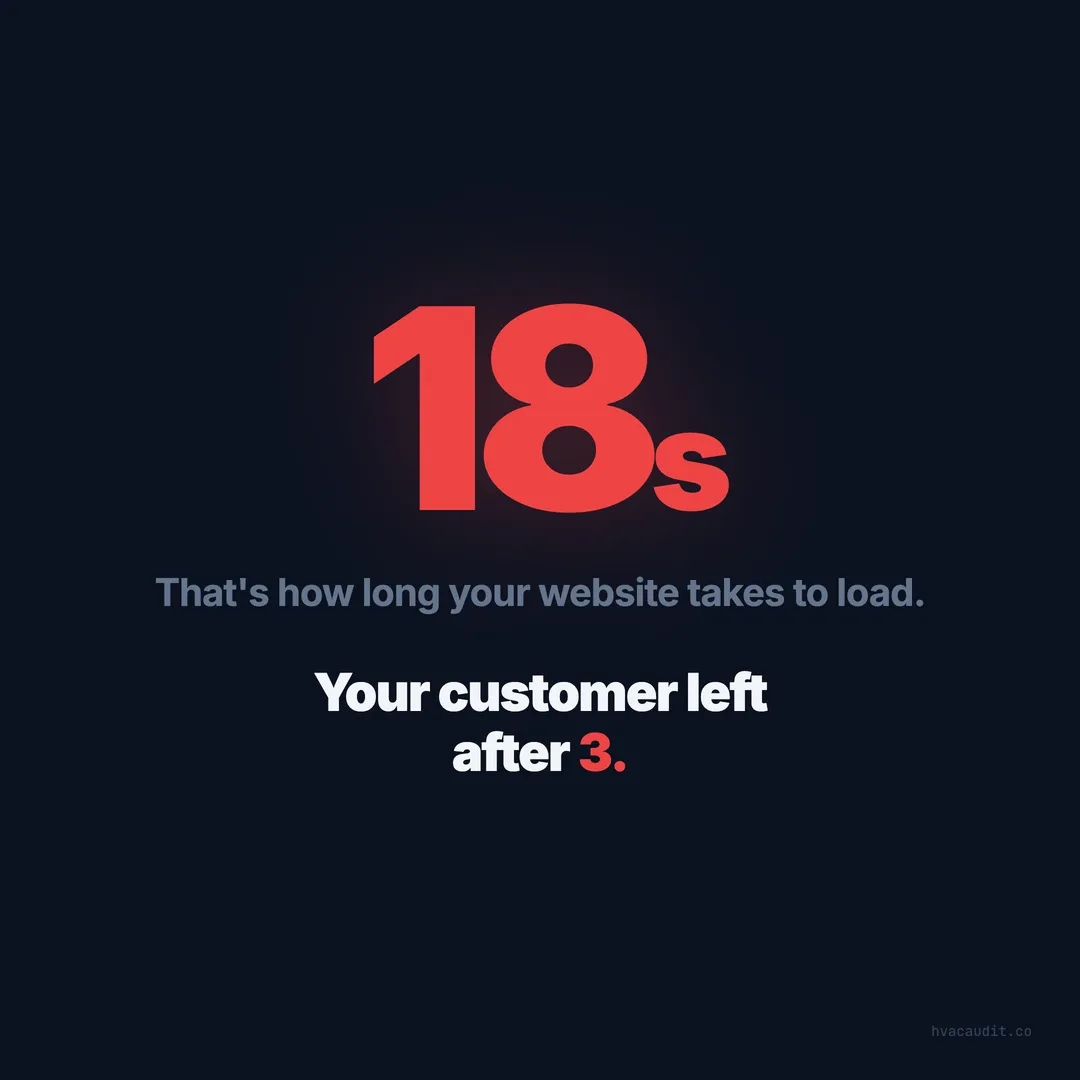
18.4 seconds.
That’s the average mobile load time across the 147 HVAC websites we audited. Eighteen seconds of staring at a white screen, a spinning wheel, or a half-loaded mess.
Your customer? They left after 3.
This isn’t about impatient people. It’s about urgent situations. Someone’s AC just broke in July. Someone’s furnace died in January. They Googled “AC repair near me,” tapped your link, and waited. And waited. And gave up and called whoever loaded next.
You paid for that visitor. Whether through SEO, Google Ads, or your Google Business listing, you earned that click. Your website wasted it.
The 3-second rule
Google published the research years ago: 53% of mobile visitors abandon a site that takes more than 3 seconds to load. It’s been cited so many times it’s practically a law of the internet.
But it gets worse as load time increases:
| Load Time | Bounce Probability |
|---|---|
| 1-3 seconds | 32% |
| 3-5 seconds | 53% |
| 5-10 seconds | 70% |
| 10+ seconds | 80%+ |
At 18.4 seconds, you’re not losing half your traffic. You’re losing closer to 80%.
Think about what that means for a contractor getting 250 monthly visitors. At an 80% bounce rate from speed alone, only 50 people actually see your site. Of those 50, maybe 15% contact you — that’s 7-8 leads. If all 250 had stayed and 15% converted, that’s 37-38 leads.
You’re getting 8 leads when you should be getting 37. Not because of bad marketing. Not because of low traffic. Because of load time.
Why HVAC sites are so slow
After auditing 147 sites, the culprits are nearly always the same. Here are the top five, in order of impact:
1. Unoptimized images
This is the #1 speed killer across the industry. That hero photo of a technician in front of a truck? It’s a 4MB JPEG uploaded straight from a camera or a stock photo site. On a 4G mobile connection, that single image takes 8+ seconds to download.
One site we audited had a homepage that loaded 22MB of images. That’s like downloading a small video just to see a phone number.
The fix is straightforward:
- Convert images to WebP format — 60-80% smaller than JPEG with no visible quality loss
- Resize to actual display size — a hero image doesn’t need to be 4000x3000 pixels when it displays at 800x400
- Lazy-load images below the fold — only load what the visitor can see. Load the rest as they scroll
- Use responsive images — serve smaller files to phones, larger ones to desktops
One site went from 22MB to 1.2MB by doing these four things. Load time dropped from 31 seconds to 2.8 seconds. No design changes. No rebuilding the site. Just optimizing the images that were already there.
2. Bloated page builders
WordPress with Elementor, Divi, or WPBakery is the most common setup in our audit. These tools make it easy to build a site — but they also load 2-4MB of JavaScript and CSS on every page, most of which the page doesn’t use.
The page builder loads its entire framework — every animation library, every widget script, every font package — even if the page only uses a header, three paragraphs, and a phone number.
This is the toughest problem to fix without a rebuild. You can:
- Remove unused plugins — most sites have 15-30 plugins, half of which are inactive or redundant
- Disable unused Elementor widgets — the builder loads every widget type by default
- Use a caching plugin (WP Rocket, LiteSpeed Cache) to serve pre-built pages instead of generating them on each visit
- Consider a lighter platform for the next rebuild — tools like Astro, Hugo, or even a well-configured WordPress without a page builder can load in under 2 seconds
3. No caching or CDN
Every time someone visits a site without caching, the server builds the page from scratch and the browser downloads every file fresh. No matter how many times they’ve visited before.
A CDN (Content Delivery Network) stores copies of your site on servers around the country, so a visitor in Miami isn’t waiting for files to travel from a server in Oregon.
The fix:
- Add browser cache headers — tells returning visitors’ browsers to reuse files they already downloaded
- Put the site behind Cloudflare (free plan) — CDN, caching, and security in one setup. Takes about an hour
- Enable gzip/brotli compression — reduces file sizes by 60-80% during transfer
One contractor added Cloudflare and cache headers in an afternoon. Load time dropped from 12 seconds to 4 seconds — a 67% improvement for zero dollars.
4. Third-party scripts loading upfront
Chat widgets. Analytics tags. Review plugins. Social media embeds. Heat mapping tools. Facebook Pixel. Google Tag Manager loading six other scripts.
Each one adds 0.5-2 seconds to load time. And most of them don’t need to load before the visitor sees the page.
The fix:
- Audit which scripts actually matter — do you really need that chat widget if nobody uses it?
- Defer non-essential scripts — load analytics and tracking after the page is visible, not during
- Use
asyncordeferattributes on script tags so they don’t block the page from rendering - Remove scripts you’re not using — we found sites loading scripts for services they’d cancelled years ago
5. Slow hosting
Some HVAC sites are hosted on shared servers running $5/month plans. The server itself takes 2-3 seconds to respond before it even starts sending the page.
Google’s recommendation: server response time (Time to First Byte) should be under 200 milliseconds. Some HVAC sites we tested had TTFB of 3-5 seconds.
The fix: upgrade to a better host. Modern platforms like Vercel, Netlify, or Cloudflare Pages offer free or low-cost hosting with global CDN and sub-100ms response times. Traditional hosts like SiteGround or Cloudways are also solid options.
What fast actually looks like
A well-optimized HVAC site should load in 1.5-2.5 seconds on mobile. Here’s the spec:
- Total page weight under 1MB (most HVAC sites are 4-8MB)
- Images in WebP format, compressed, responsive
- Minimal JavaScript — no unused libraries, page builder bloat, or unnecessary widgets
- CDN for static assets — files served from the nearest server
- Proper cache headers — returning visitors load instantly
- Server response under 200ms — good hosting matters
That’s not some exotic tech stack. That’s not cutting-edge. It’s standard web performance practice that every major website uses. The only reason HVAC sites don’t is because nobody told the business owner it mattered.
The business impact
Every second of load time matters. The relationship between speed and conversions is direct and measurable.
Going from 18 seconds to 2 seconds doesn’t just feel better — it directly increases calls. We’ve tracked contractors who fixed their speed and saw:
- 12 calls/month → 30+ calls/month — same traffic, same marketing, just less bouncing
- 3% conversion rate → 11% conversion rate — after speed optimization + adding a visible CTA
- $1,200/month in service calls → $3,800/month — from speed fix alone
The visitors were already there. They were already finding the site. They already needed HVAC service. They just couldn’t see the page fast enough to call.
How to test your site right now
Three ways to check your load time, from simplest to most detailed:
1. The phone test (10 seconds)
Open your browser on your phone. Clear the cache. Type in your website URL. Count the seconds until the page is fully loaded and usable.
If you get past “one Mississippi, two Mississippi, three Mississippi” and the page isn’t loaded — you have a problem.
2. Google PageSpeed Insights (30 seconds)
Go to Google’s PageSpeed Insights tool, enter your URL, and run the test. Look at the mobile score (not desktop — desktop scores are almost always better and don’t reflect what your customers experience).
- 90-100: Excellent. You’re in the top 4% of HVAC sites
- 50-89: Needs work. You’re losing some traffic
- 0-49: Critical. You’re losing the majority of mobile visitors
3. Core Web Vitals (2 minutes)
In Google Search Console (if you have it set up), check the Core Web Vitals report. The three metrics that matter:
- LCP (Largest Contentful Paint): Should be under 2.5 seconds. This is how long until the main content is visible
- INP (Interaction to Next Paint): Should be under 200ms. This is how long until the page responds to a tap or click
- CLS (Cumulative Layout Shift): Should be under 0.1. This measures how much the page layout jumps around as it loads
If any of these are in the red, Google is penalizing your search rankings on top of the user experience issues.
The speed fix checklist
If your site loads in more than 3 seconds, here’s what to do, in priority order:
- Optimize images — Convert to WebP, resize, lazy-load below fold. Biggest single impact.
- Enable caching — Browser cache headers + Cloudflare CDN. Free.
- Remove unused scripts — Audit every plugin and third-party script. Kill anything you’re not actively using.
- Defer remaining scripts — Analytics, chat, tracking — load them after the page is visible.
- Upgrade hosting — If TTFB is over 500ms, the server is the bottleneck.
- Consider a lighter framework — On the next rebuild, ditch the page builder.
Total time for steps 1-4: 1-2 days. Total cost: $300-800 if you hire someone.
Monthly revenue recovered: $1,800+ from speed improvement alone.
That’s a payback period of less than two weeks. There is no marketing investment in the HVAC industry with a faster ROI.
Speed is just one of the problems we find. See the full diagnostic for HVAC websites that aren’t getting calls — and the four traps that keep businesses stuck.
Keep reading
- 53% of Your Customers Leave Before Your Site Loads — the full breakdown of what slow speed costs you
- Your HVAC Website Is Losing You $4,200 Every Month — speed is just one piece of the $4,200 puzzle
- We Audited 147 HVAC Websites. The Average Score Was 34. — the study where we found the 18.4-second average
Want to know your score?
Drop your URL — full report in 48 hours.
We're on it.
Report in your inbox within 48 hours.